These illustrations show the steps. Use the actual forms on the article page to submit your rating or comment.
1. Create and verify your account
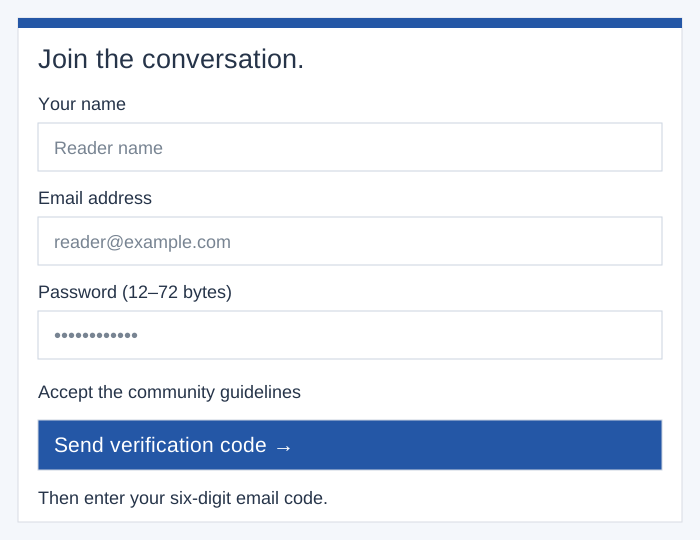
Choose Create a reader account, enter your name, email and password, accept the community guidelines, and select Send verification code. Enter the six-digit code from your email to verify your account, then sign in.
Create an account →2. Choose and save your rating
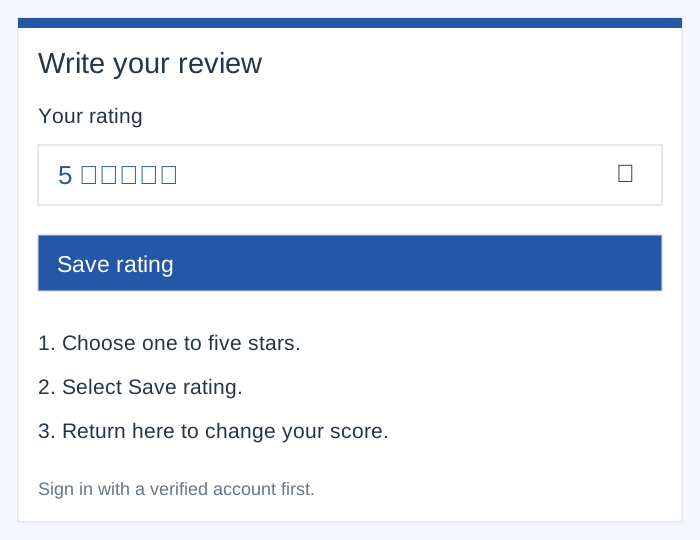
Open an article and go to Ratings & reader reviews. In Write your review, choose a score from one to five stars under Your rating, then select Save rating. Repeat these steps to update your score.
Choose an article →3. Write and publish your comment
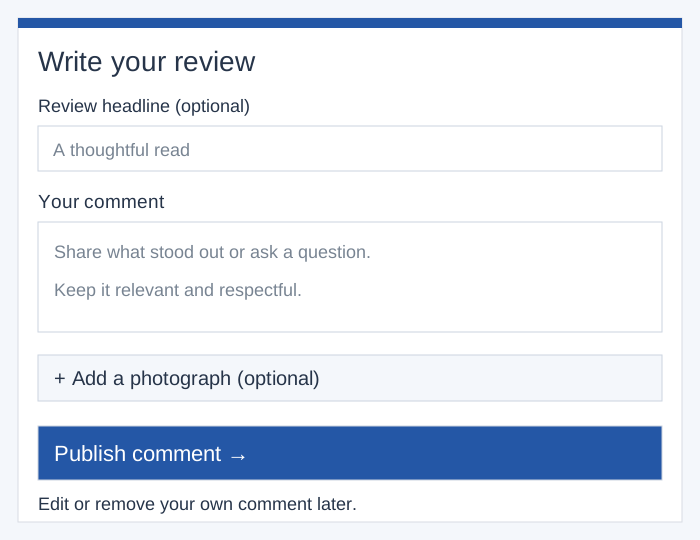
Add an optional review headline and enter Your comment. You may attach a JPG, PNG or WebP photograph up to 5 MB. Select Publish comment. Use Edit your comment or Remove your comment beneath your own contribution to manage it. Hidden comments must be appealed rather than edited.
Ratings and comments are saved separately: select Save rating for stars and Publish comment for your written review. Your published comment and attached photograph are public.